Shockley-Read-Hall Windows
1. Overview
Shockley-Read-Hall (SRH) windows allow the user to define a rectangular region where the default carrier lifetimes for SRH recombination can be adjusted. Within this window, the carrier lifetimes are scaled by a constant factor, providing precise control over the recombination dynamics in specific regions of the device.
2. Usage Instructions
To define an SRH window:
- From the Menu, select
Define->Window->Shockley-Read-Hall.
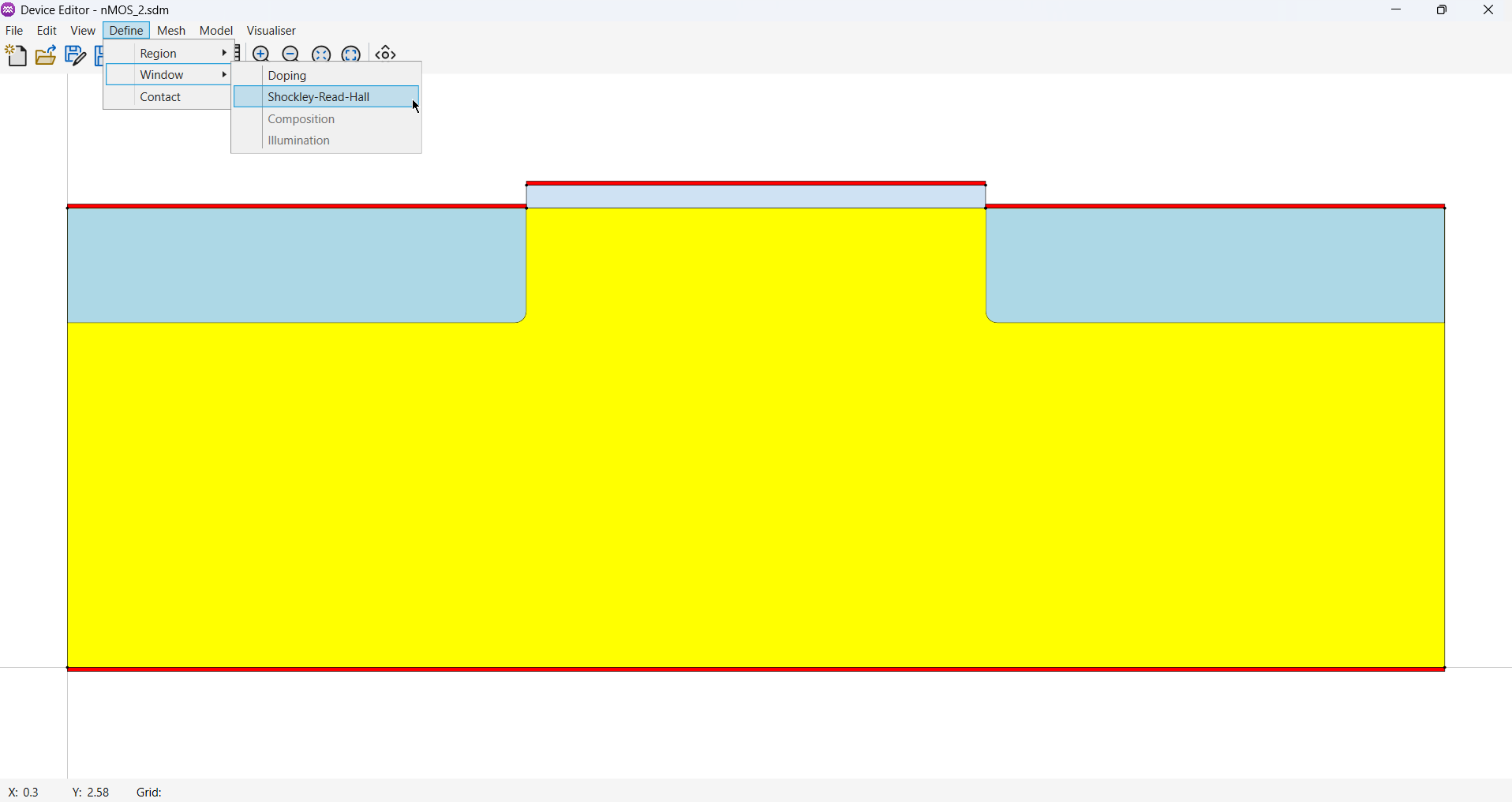
- Use your cursor and mouse buttons to define a rectangular doping window.
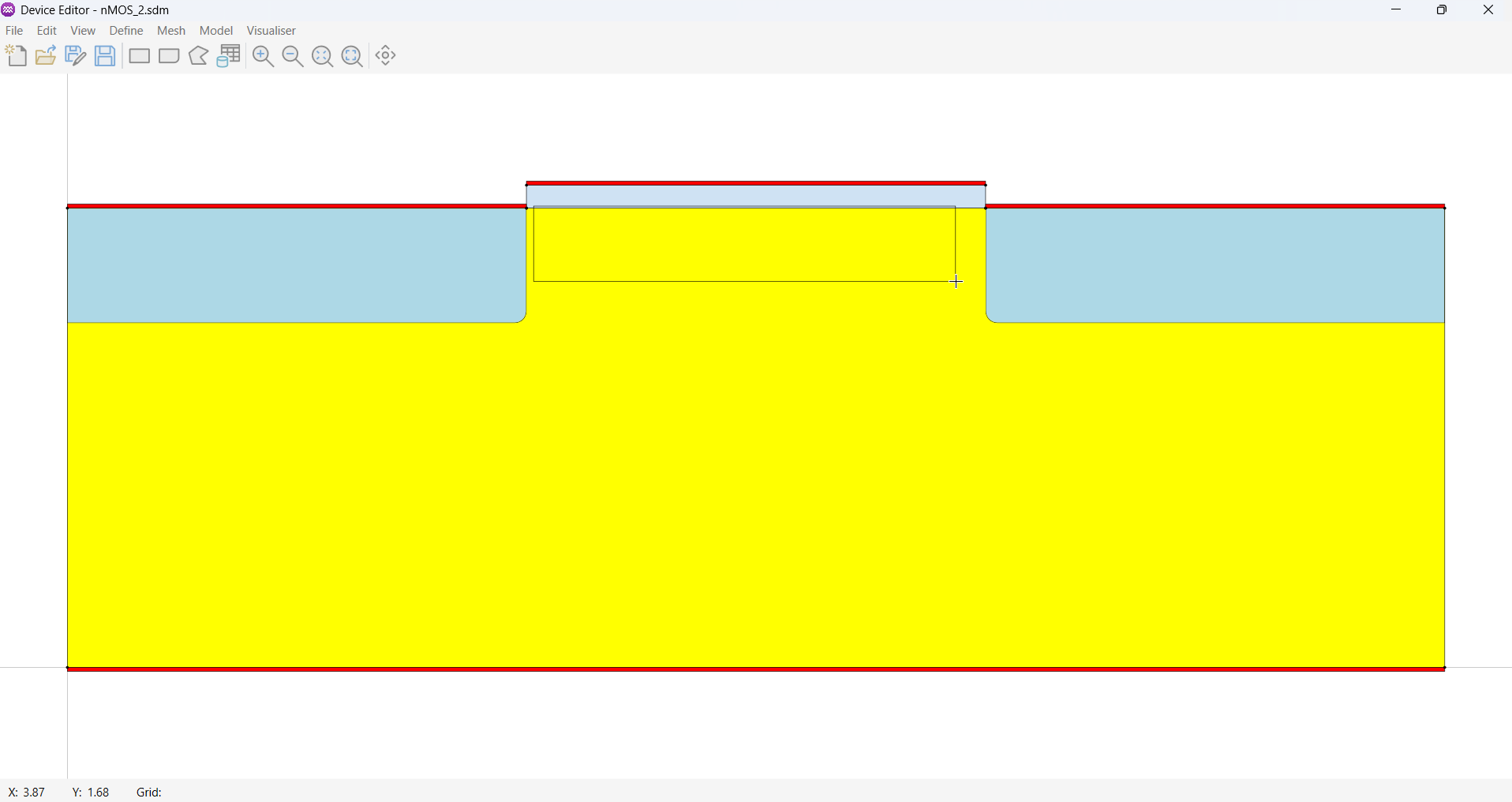
- Once the window's shape has been defined the SRH window's properties dialog box will appear. Use this dialog to set the window's properties.
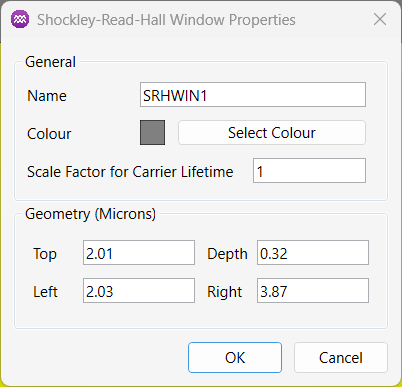
3. Parameters
3.1. General
| Name | Description | Unit |
|---|---|---|
Name | A unique identifier for the window. | - |
Colour | Used to define visual colour of the window (Not used in the solver). | - |
Scale Factor for Carrier Lifetime | Multiplies the default carrier lifetimes within the window by this value. | - |
3.2. Geometry
| Name | Description | Unit |
|---|---|---|
Top | The y-coordinate of the top edge of the SRH window. | µm |
Depth | The vertical distance from the top to the bottom of the window. | µm |
Left | The x-coordinate of the left edge of the SRH window. | µm |
Right | The x-coordinate of the right edge of the SRH window. | µm |