Main Window
Overview
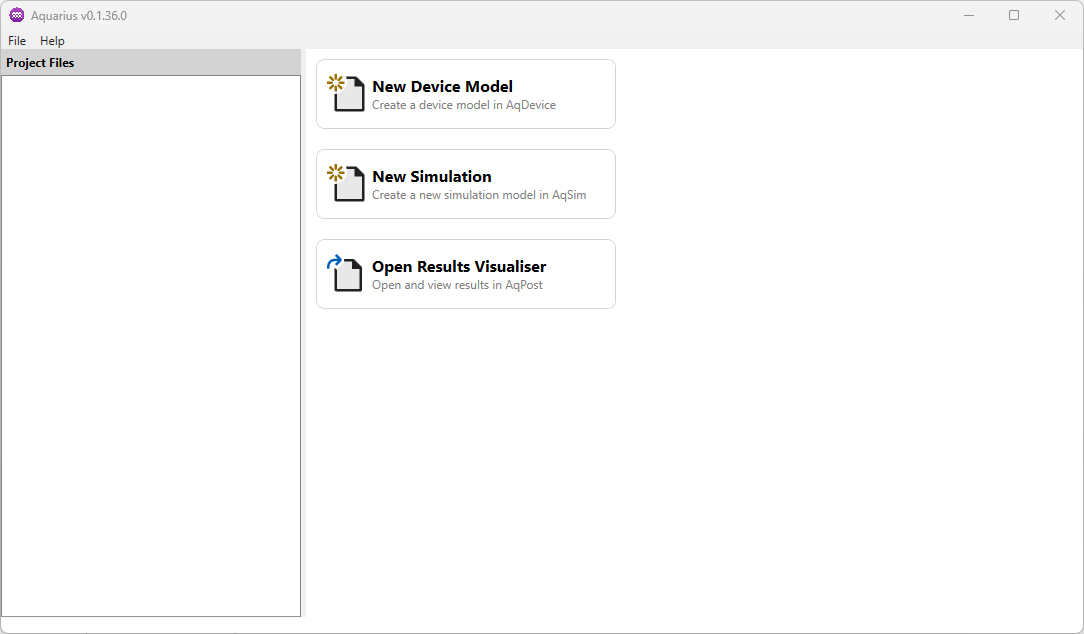
When the Aquarius application is launched, the main window is displayed. From this primary interface, you can access the various modules of the application, load existing project files, and begin new simulation workflows.
Usage Instructions
Opening and Creating New Files
- To open an existing file, select
File→Open. Aquarius will automatically launch the appropriate module depending on the type of file selected. - If you want to open an entire project directory, select
File→Open Project Directory…, choose the directory, and the available project files will appear in the left‑hand panel.
info
For detailed instructions on each module, see the sections Device Editor, Circuit Simulator, and Results Visualiser.
Check for Updates
- To check whether a new version of Aquarius is available, select
Help→Check for Updates.
If an update is available, a pop‑up window will appear, see the Updates section for more information. If no update is found, the dialog will display the latest installed version number.